
Great Vibes
Formal Calligraphy
Name & signature
See your name as an email signature, then download the lettering as a transparent PNG or scalable SVG.
Warmly,

Creative Studio
CursivePal
Choose a typeface to preview, or export directly from the collection.
Formal Calligraphy
Fine Wedding Script
Lively Bounce Script
Monoline Autograph
Delicate French Script
Classic Brush Script
Aristocratic Copperplate
Flowing Brush Script
Vintage Autograph
Tall Fine Calligraphy
Natural Pen Notes
Warm Felt-Tip Cursive
Casual Notebook Script
Retro Surf Brush
Athletic Vintage Script
Sign Painter Brush
Traditional school cursive
Textured handwritten notes
Enter your name to compare it in 18 cursive fonts for a signature, invitation, or tattoo reference. Switch between an email signature, a stationery card, and a tattoo preview, then adjust the ink and spacing. The download contains your lettering, so you can place the signature or name in your own layout.
Keep the accents when you type a name like Amélie Dubois or José Rivera. Check the preview in your chosen font before exporting.
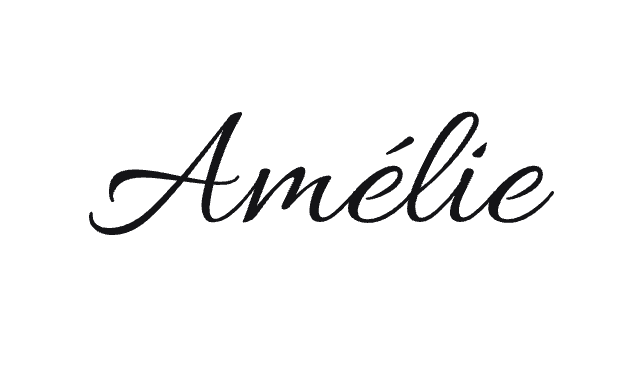
Try the Amélie sample at 160 pixels wide in your signature editor, then adjust it to suit your message. Download your own name as a transparent PNG. Add it in your email app’s signature editor and keep your contact details as selectable text.
Enter your name and compare the four previews below the input. Select a sample, or open the full font list. Use the preview selector to see the lettering on an invitation, in an email signature, or as a tattoo concept.
The download contains your lettering in your chosen color and alignment. The invitation, email, and tattoo previews help you visualize the lettering in context.
A transparent PNG is convenient for documents, email signatures, and most image editors. Choose SVG if you need scalable paths for design or print.